VNC Usage Guide
VNC (Virtual Network Computing) is a remote desktop protocol that allows you to access remotely via the Internet and control the graphical interface of the HMI device.This document details the basic functionality and operating methods of the VNC client.
Toolbox
Tap the
▶️on the left to expand the toolbar to view the available features
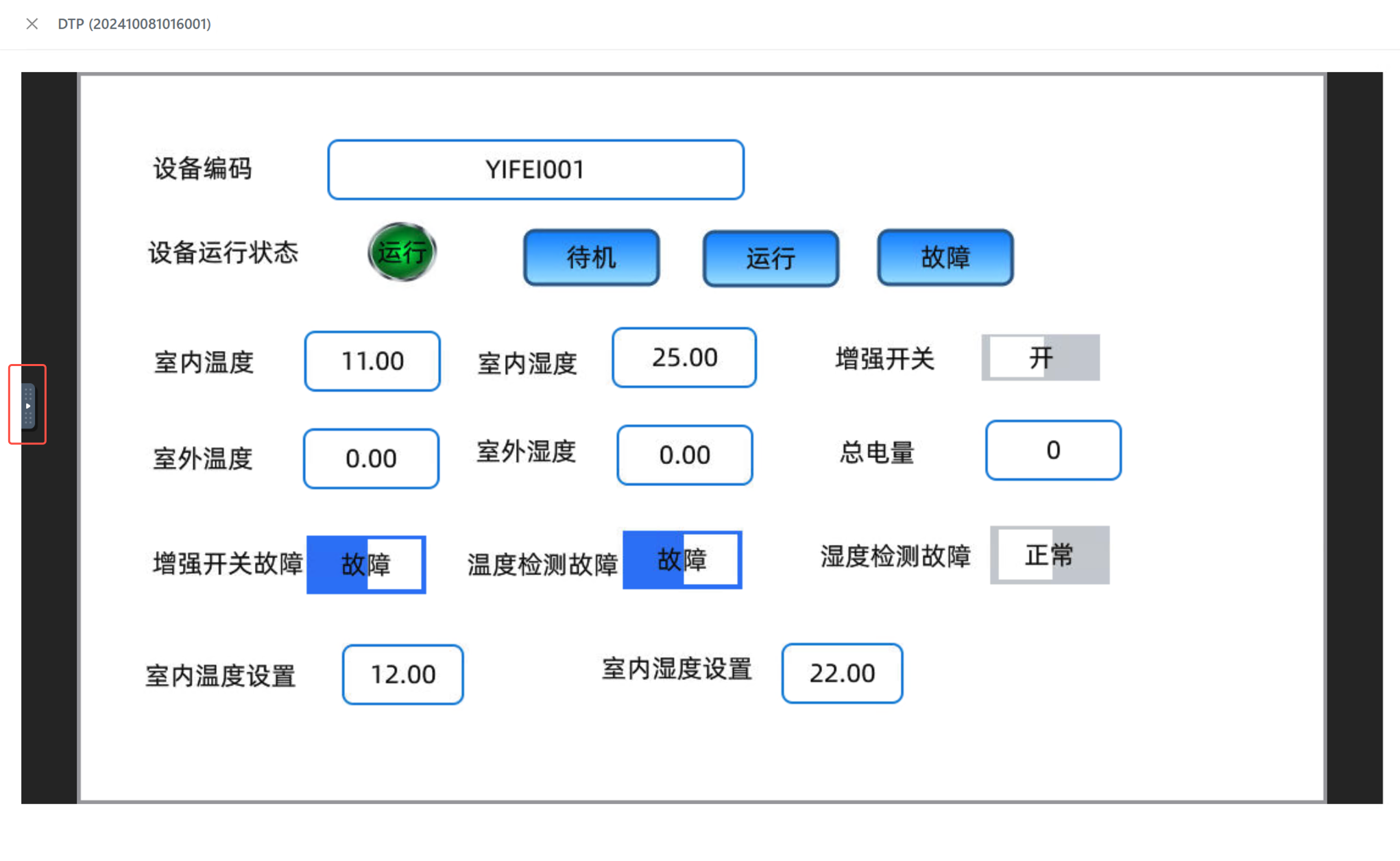
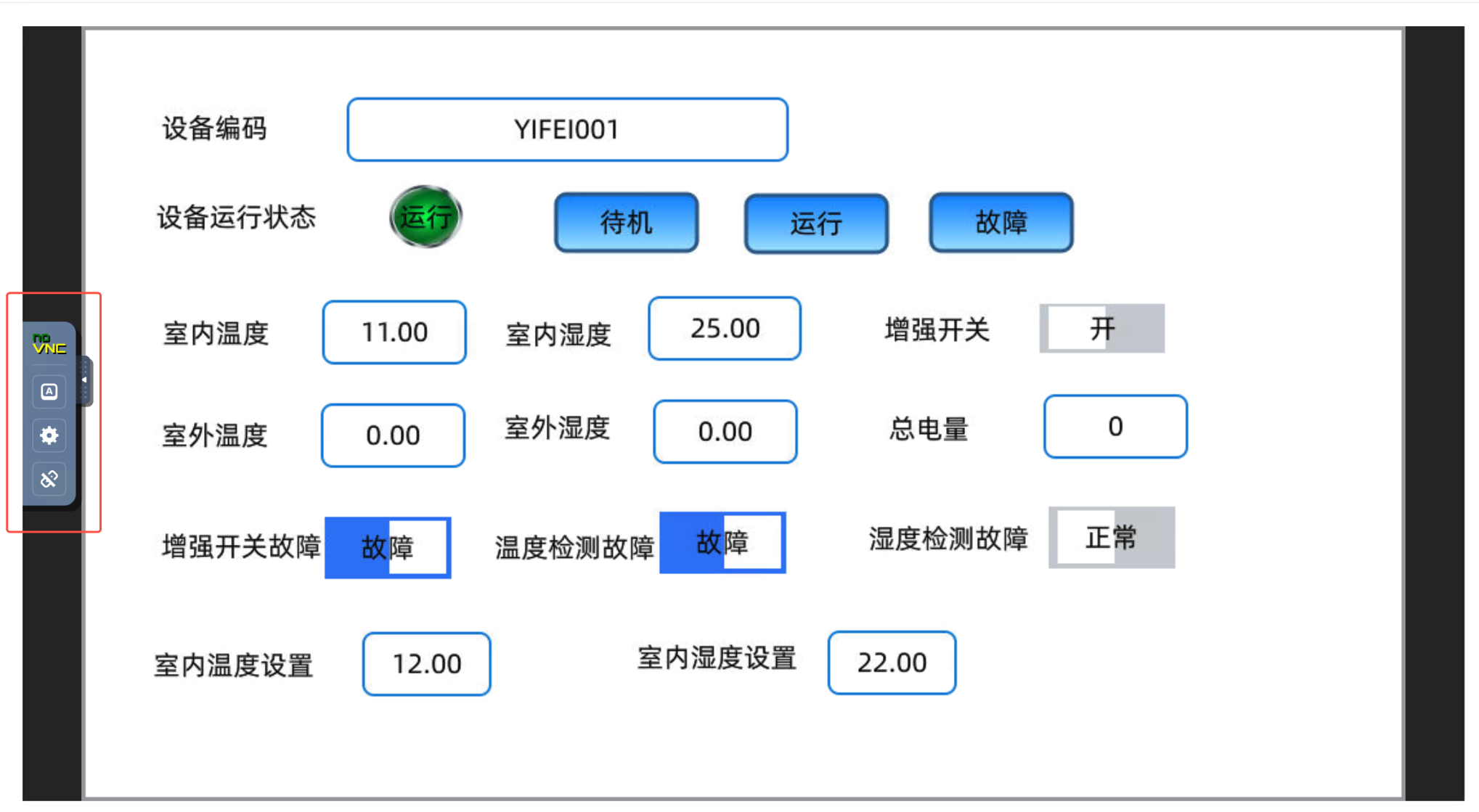
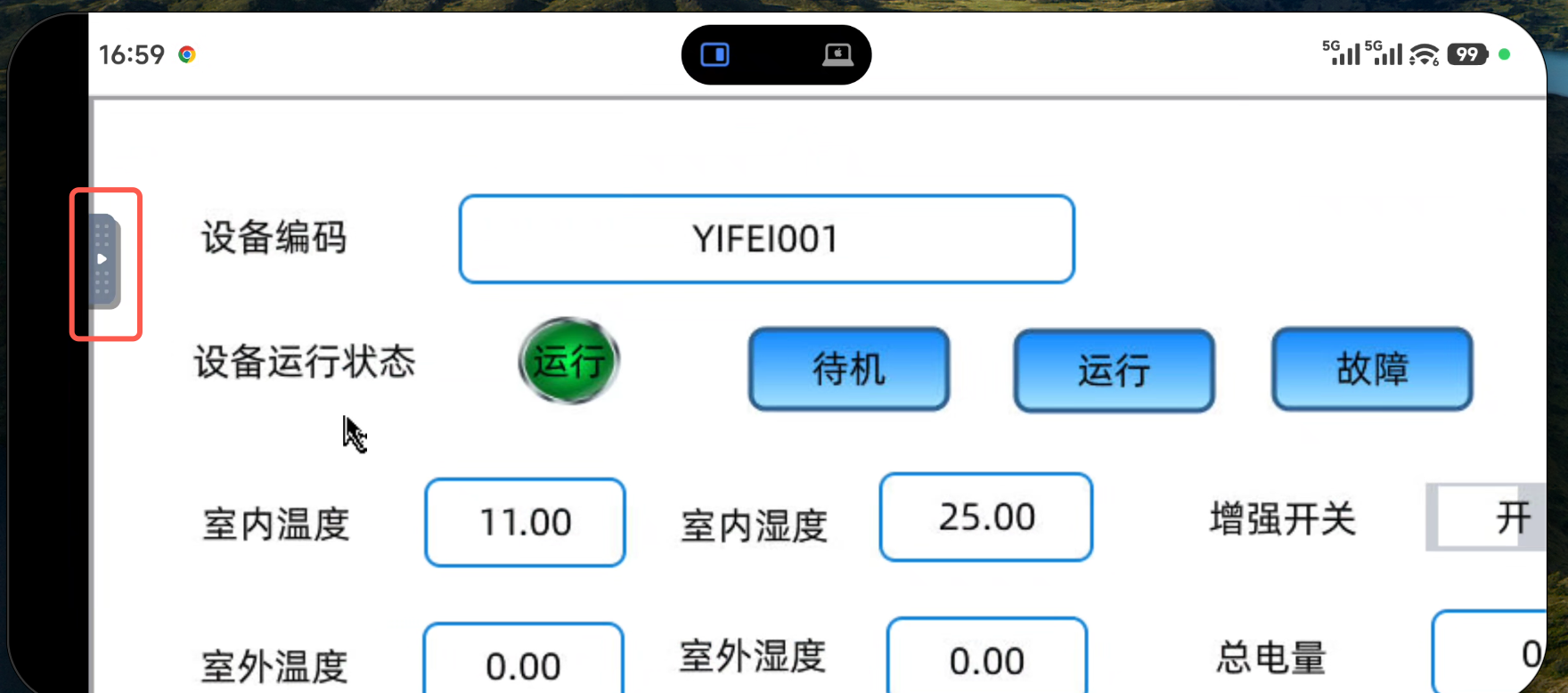
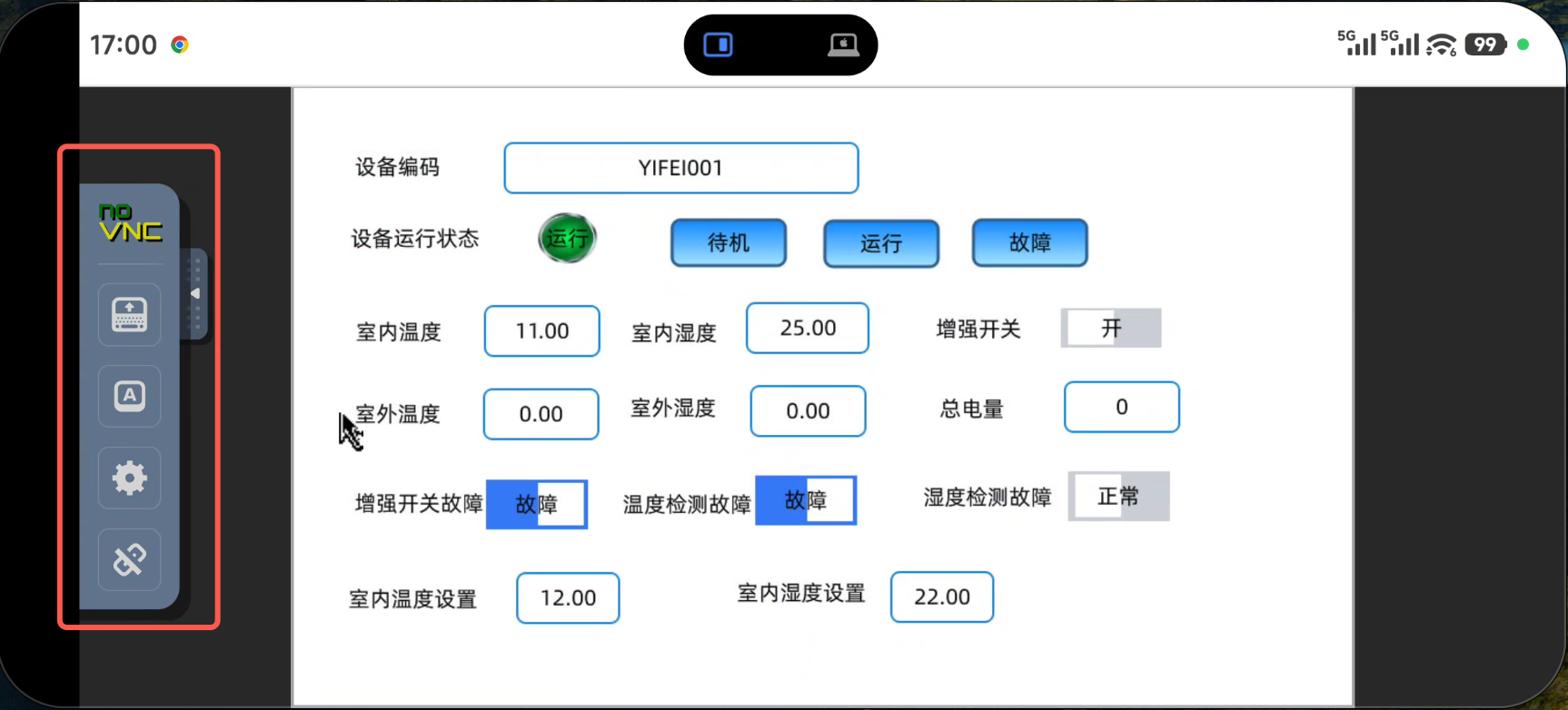
The toolbox provides the following core features in:
- Connection Manager: establishes and disconnects remote connections to HMI devices
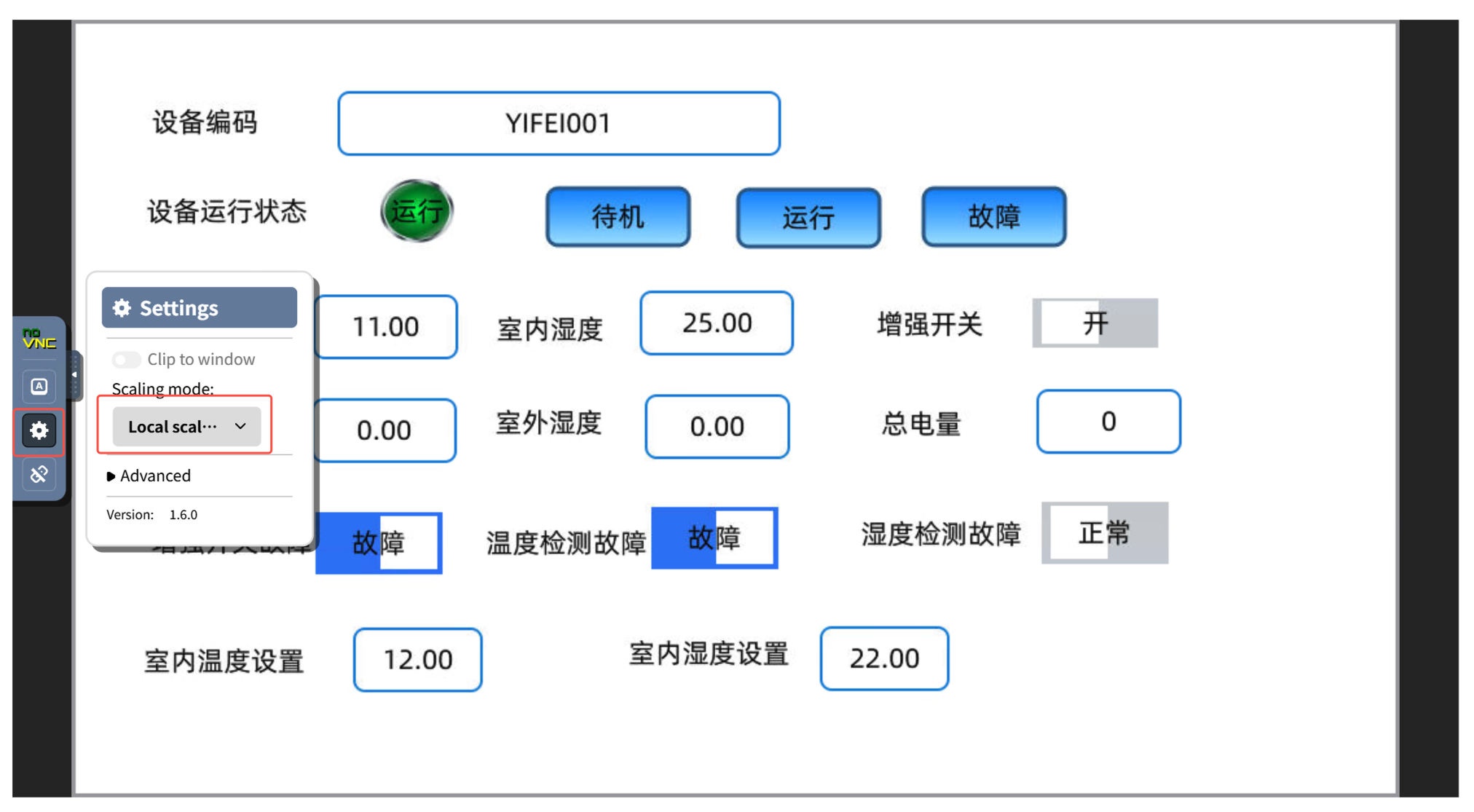
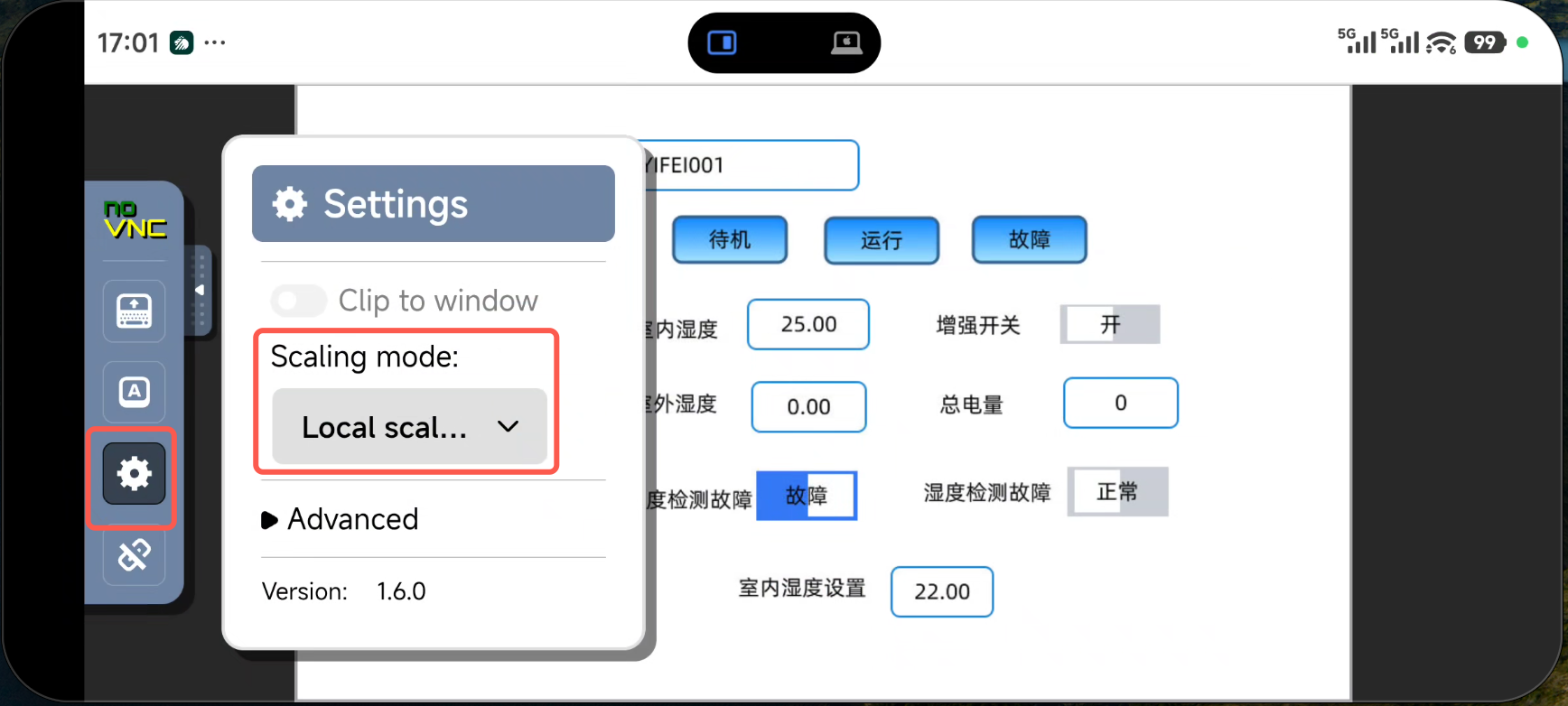
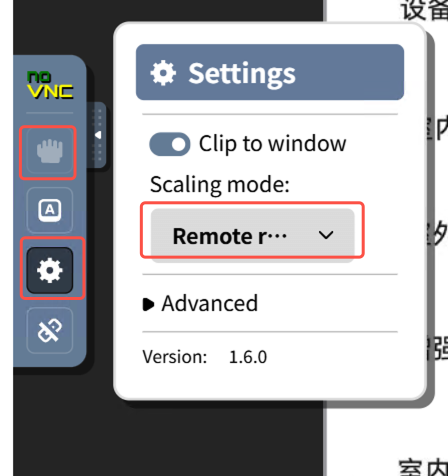
- Display Settings: Adjust screen zoom ratio and display mode
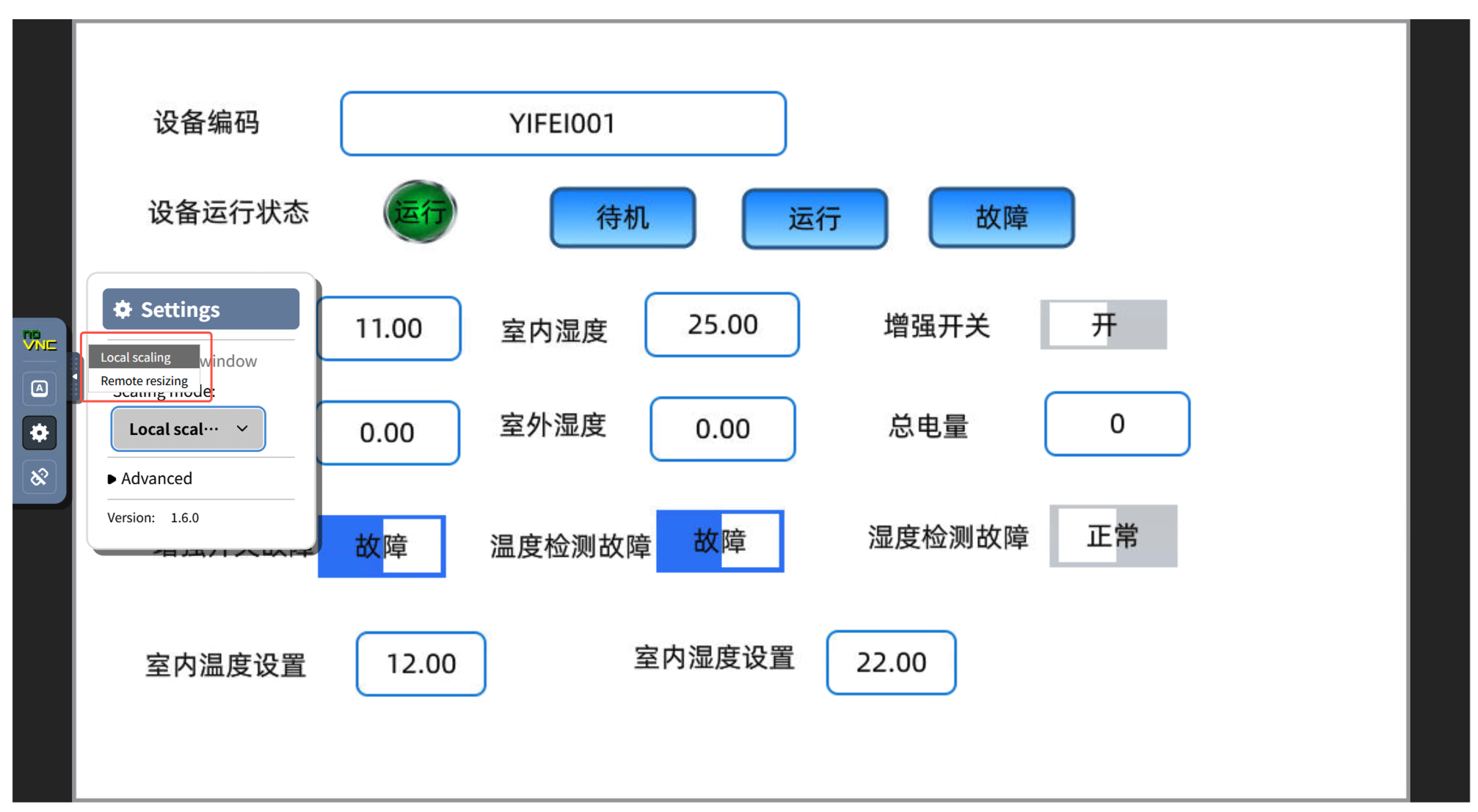
Scaling Mode
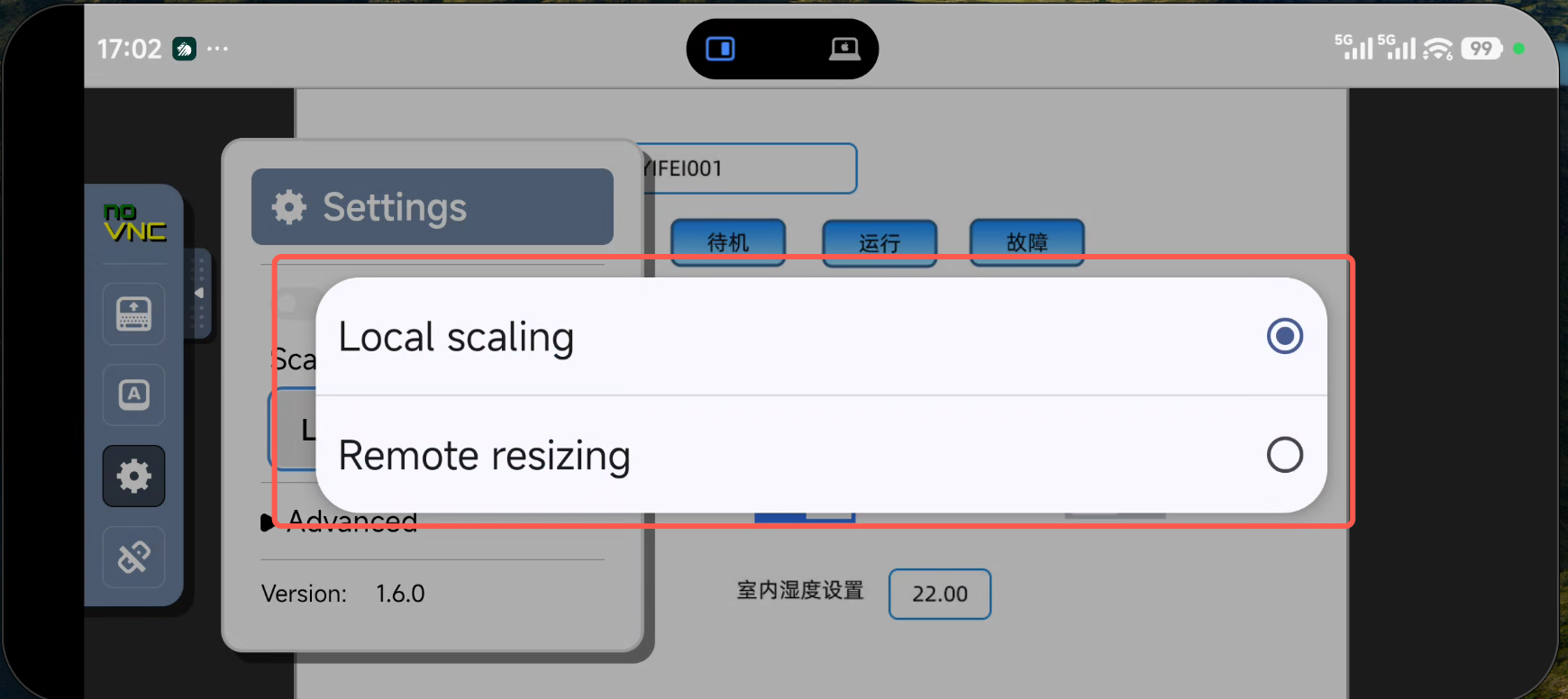
Provides two display modes:
Local scalingandRemote resizing
Depending on the usage scenario, you can choose the appropriate zoom mode:
Local scaling
- Workration: Automatically adjust the size of the local browser window
- Apply Scene: to ensure complete content display when HMI device resolution differs significantly from local monitor
- Advanced: does not need to adjust remote device settings to suit them
Remote resizing
- Workcreation: Strict resolution for HMI devices (VNC server)
- Apply Scene: needs to view the original resolution picture of the HMI device when performing precision operations
- Advanced: shows content that matches the remote device, without zoom and distortion
Move
In
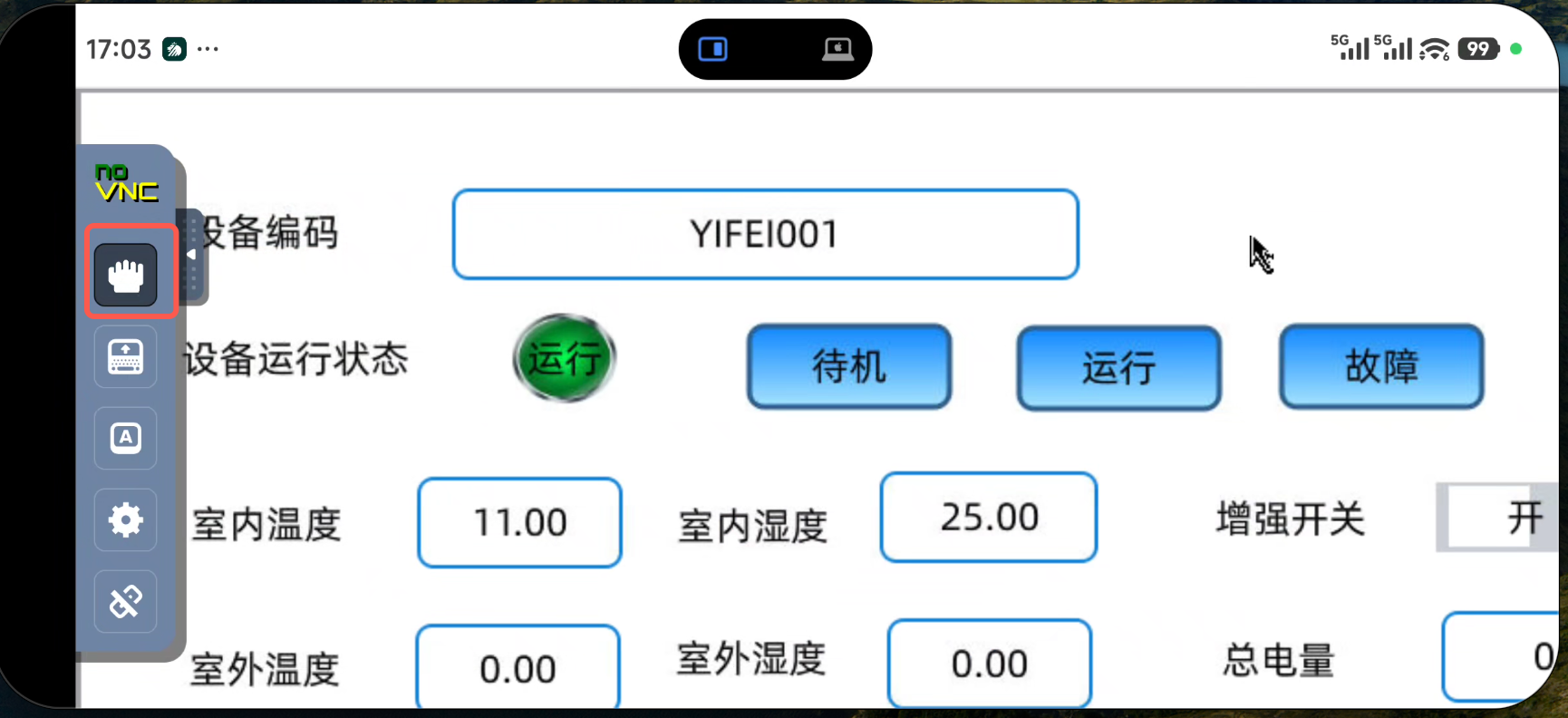
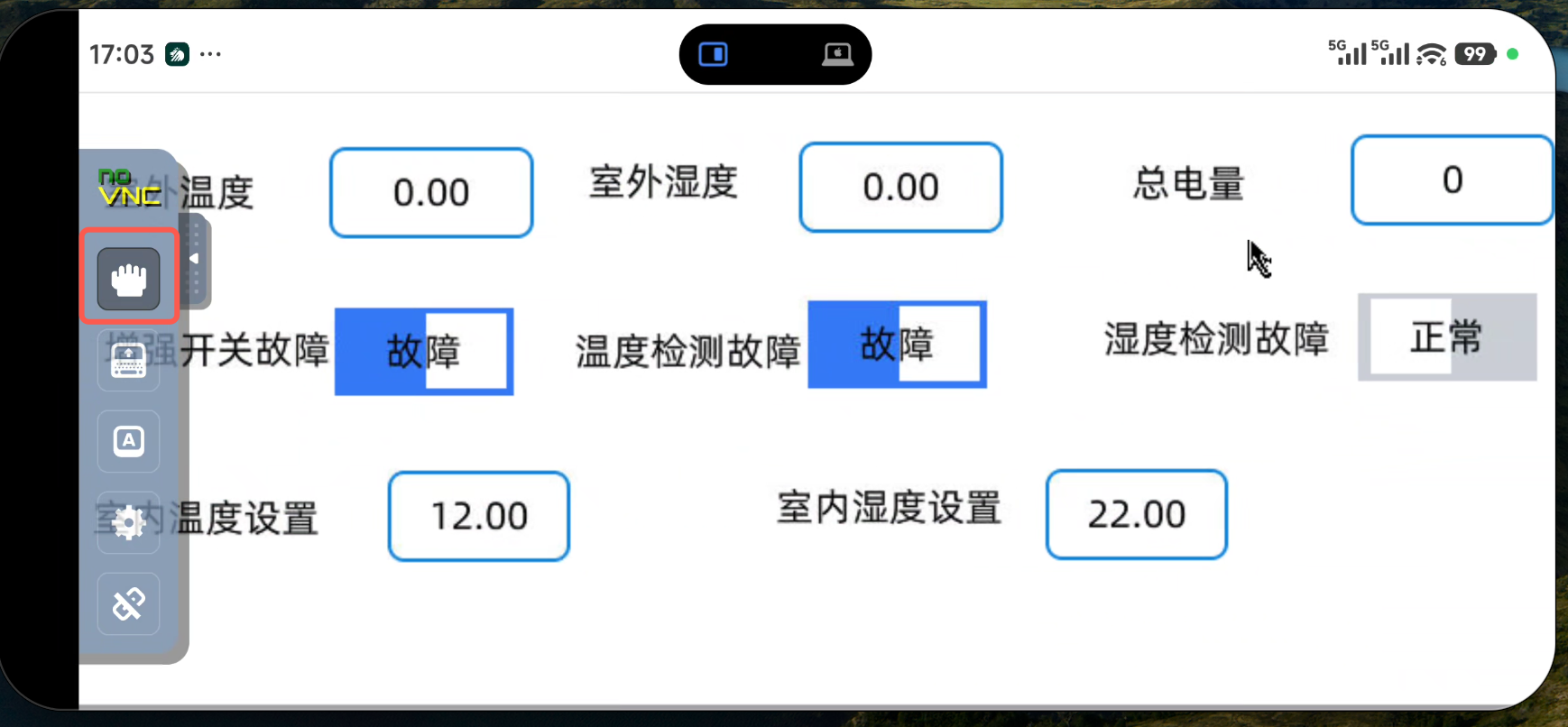
Remote resizingmode where the HMI device resolution is greater than the local display area, use drag and drop to view different areas
Steps
- Enable drag mode: first click on the
Dragbutton in the toolbar to activate drag and drop - Move *: press left mouse button and drag on the canvas to see the content of other areas
- Exit Drag Mode: to exit again by clicking on the
Dragbutton
Notes
- Drag only in
Remote resizingmode Local scalingmode automatically adapts to window size. No manual dragging is required- Before draging, make sure the `Drag' button is active (highlighting the button)
Use Suggestion
Connection optimization
- Ensure network connection is stable, avoid operating delay
Show Settings Recommendations
- Regular Watch: uses the
Local scalingmode to quickly view the overall state - Accurate: uses
Remote resizingmode to ensure accuracy - Portrait: can improve the quality of the picture properly when the network is in good condition
General
- Connection failed: Check network connection to confirm HMI device VNC service started
- Picture Carton: attempts to lower the quality of the screen or switch to
Local scalingmode - Unresponsible: confirms that the
drag toor other tool button is correctly activated